Explore Your Meta BaZi Charts in ChatGPT
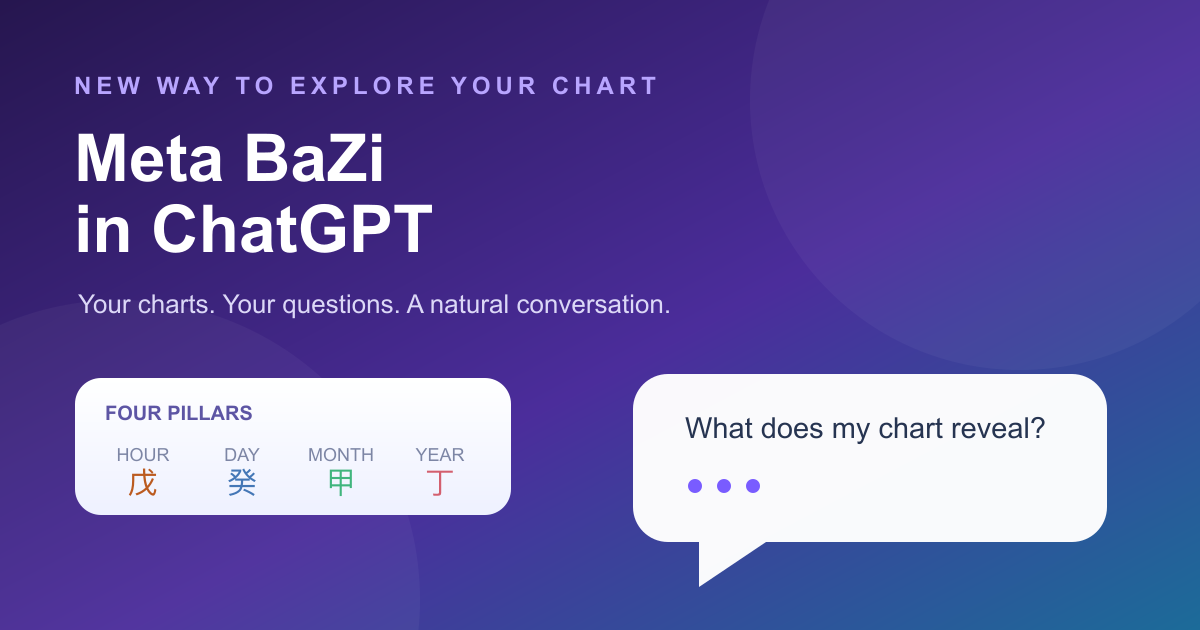
We want people to explore BaZi charts in the way that suits them best. That is why we built a Meta BaZi plugin for ChatGPT. It brings our chart algorithm into a ChatGPT conversation.
Start with a chart, then keep talking
Add the Meta BaZi plugin to your ChatGPT account, then log in with your Meta BaZi account. You can start a normal chat and ask things like:
- “List all my BaZi charts.”
- “Load Lionel Messi’s chart.”
- “What stands out in this chart?”
ChatGPT loads the chart context from the Meta BaZi algorithm. From there, you can explore the elements, ask about patterns, and follow whatever catches your interest.
How credits work
Loading a chart costs 20 Meta BaZi credits. Once the chart is loaded, follow-up questions in that conversation use your own ChatGPT plan, so they don't consume additional Meta BaZi AI credits. The Meta BaZi algorithm provides the chart data; ChatGPT handles the conversation.
At launch, access is limited to Meta BaZi Pro Plus members while we roll the integration out gradually. You need both a ChatGPT account with the plugin added and a Meta BaZi account to use it.
Talk to your charts
One of my favorite parts of this integration is voice. You can use ChatGPT’s voice assistant to talk through a chart while cooking, walking, or doing something else away from a screen. Ask a question, hear the answer, then follow up naturally. It makes chart exploration feel much more like a conversation.
This is only the beginning. We have also submitted a plugin for Muse, and we may explore Claude once we have learned from this first rollout.
The plugin is a work in progress, and your feedback will help us improve it. Try Meta BaZi in ChatGPT and tell us what you would like to do with your charts next.